TestFlight beta Apple Watch · iPhone

Personal exercise guidance with EceTempo

Your Apple Watch exercise coach guided by science

EceTempo helps you follow exercise intensity using your personal target heart rate range. During walking, running and other cardio exercise, haptic and audio cues on your watch help you monitor your heart rate and adjust your pace to your target range.

Currently available as a beta through TestFlight.

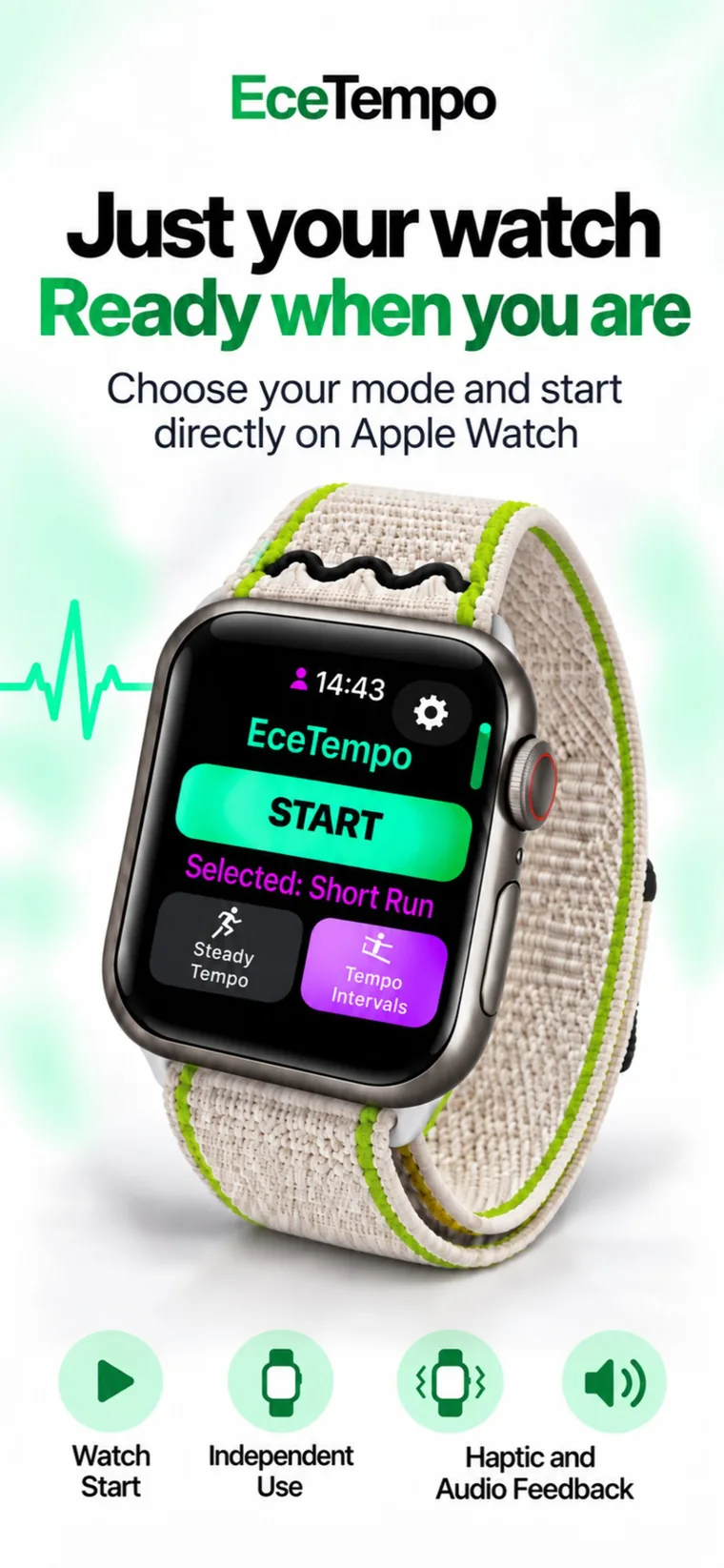
EceTempo home screen on Apple Watch: START button and target 136–176 BPM
01

Target heart rate range

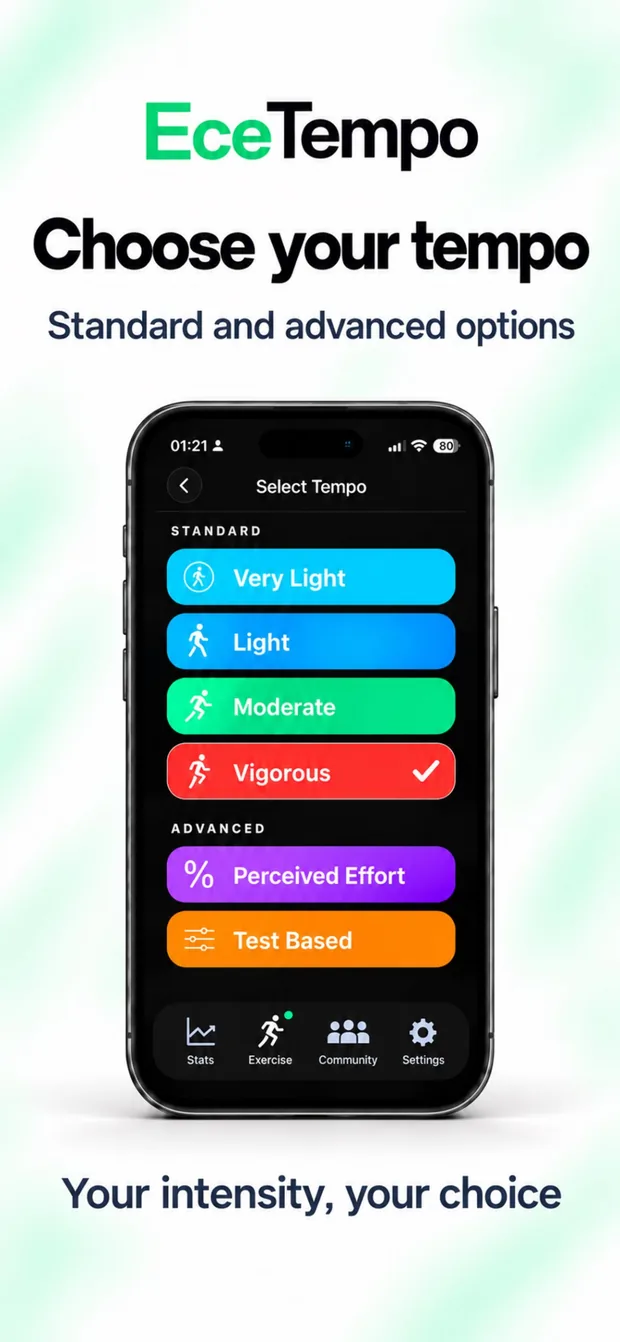
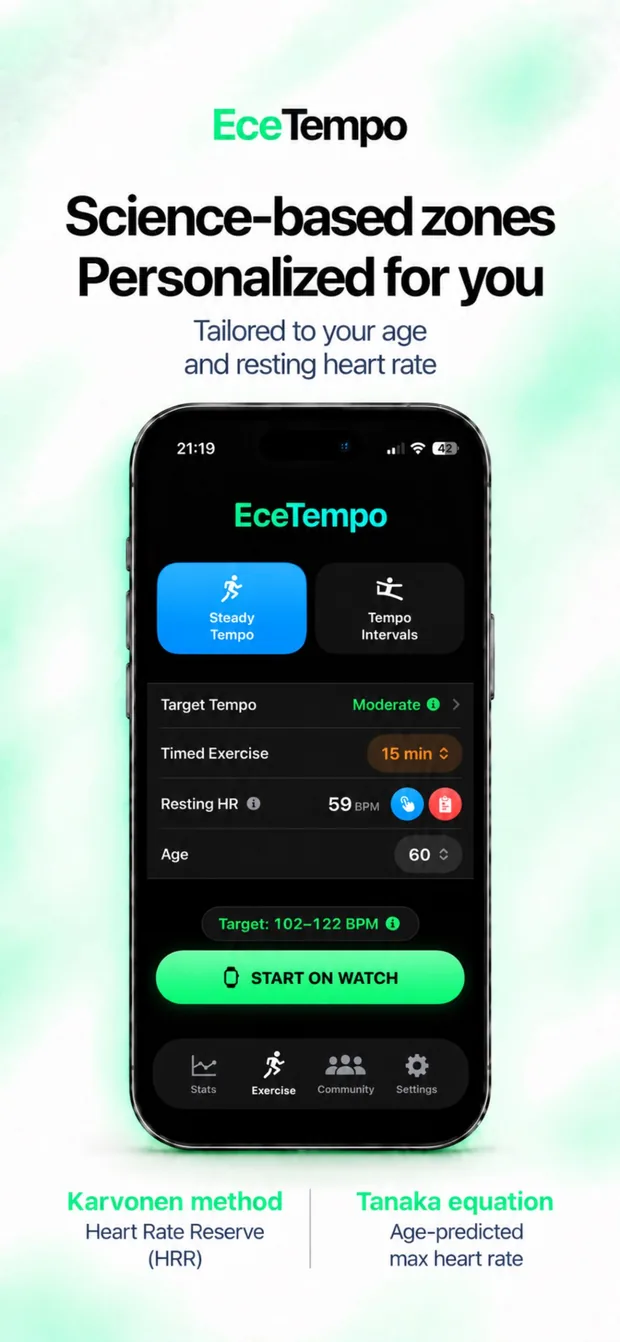
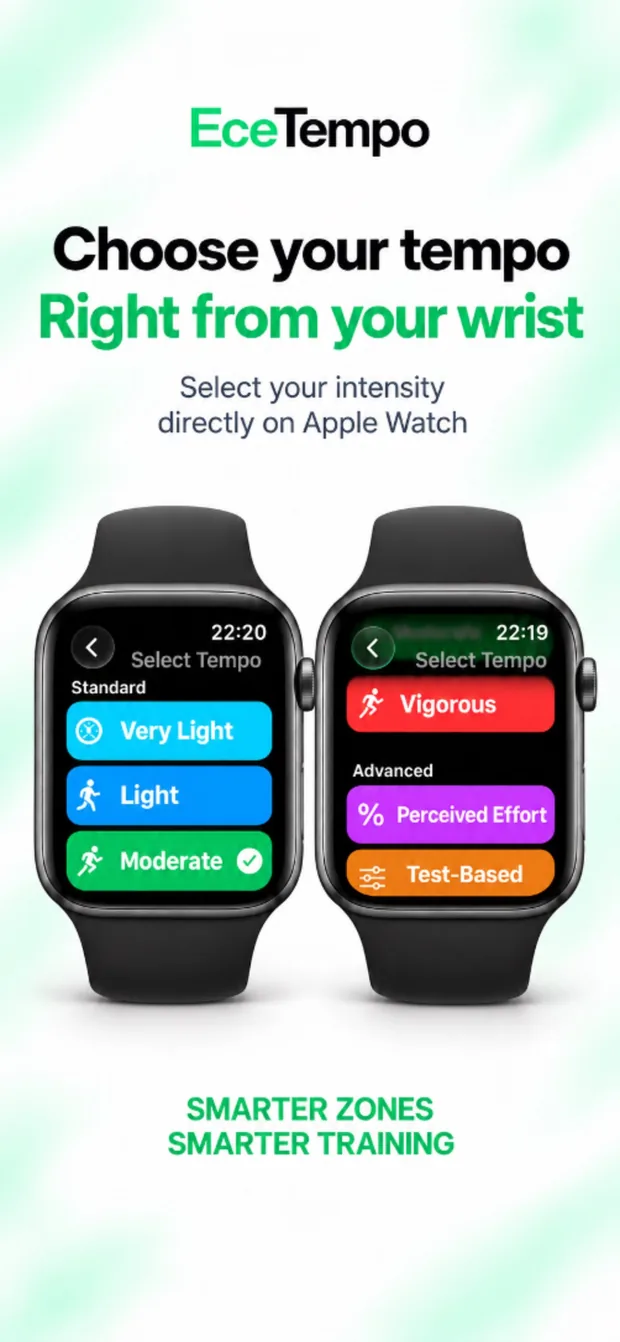
Choose one of the standard heart rate zones calculated from your age and resting heart rate: Very Light, Light, Moderate or Vigorous. To personalise your target range further, use the Perceived Effort option in the advanced settings, or select Test-Based to enter the lower and upper heart rate limits prescribed by your clinician directly.
02

Steady and interval tempo

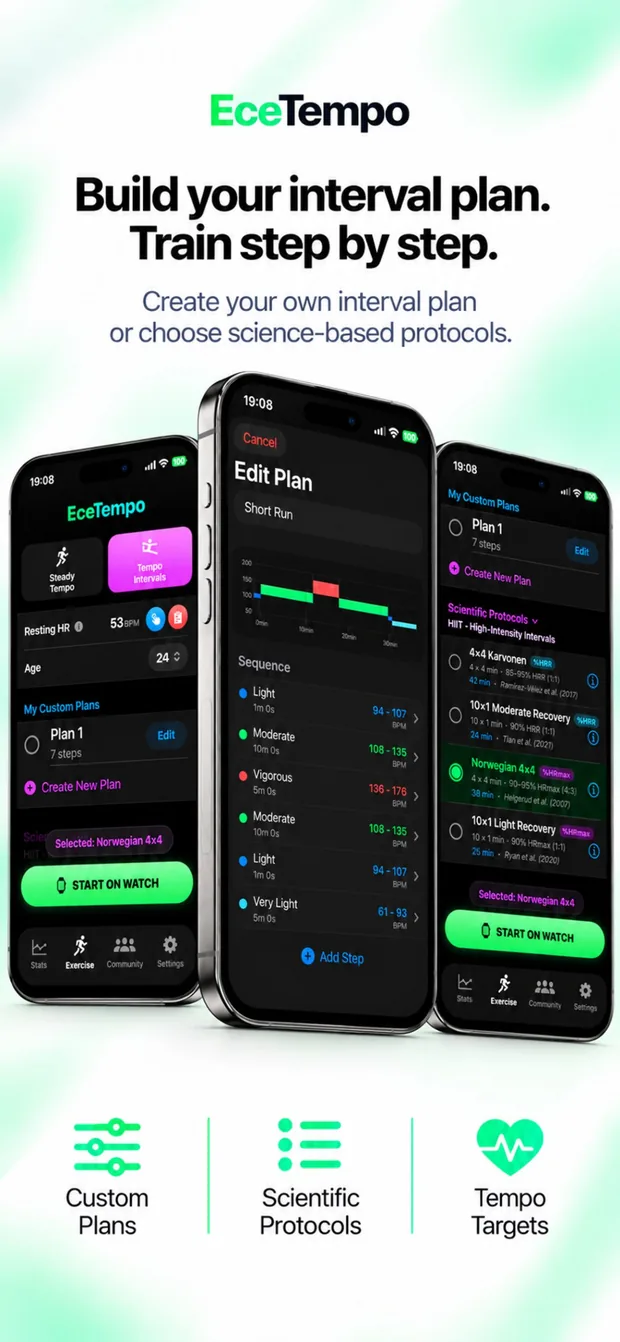
With Steady Tempo, exercise within your selected target heart rate range. With Tempo Intervals, create your own plan combining different durations and intensities, or choose a preset template based on scientific protocols.

03

iPhone and Apple Watch

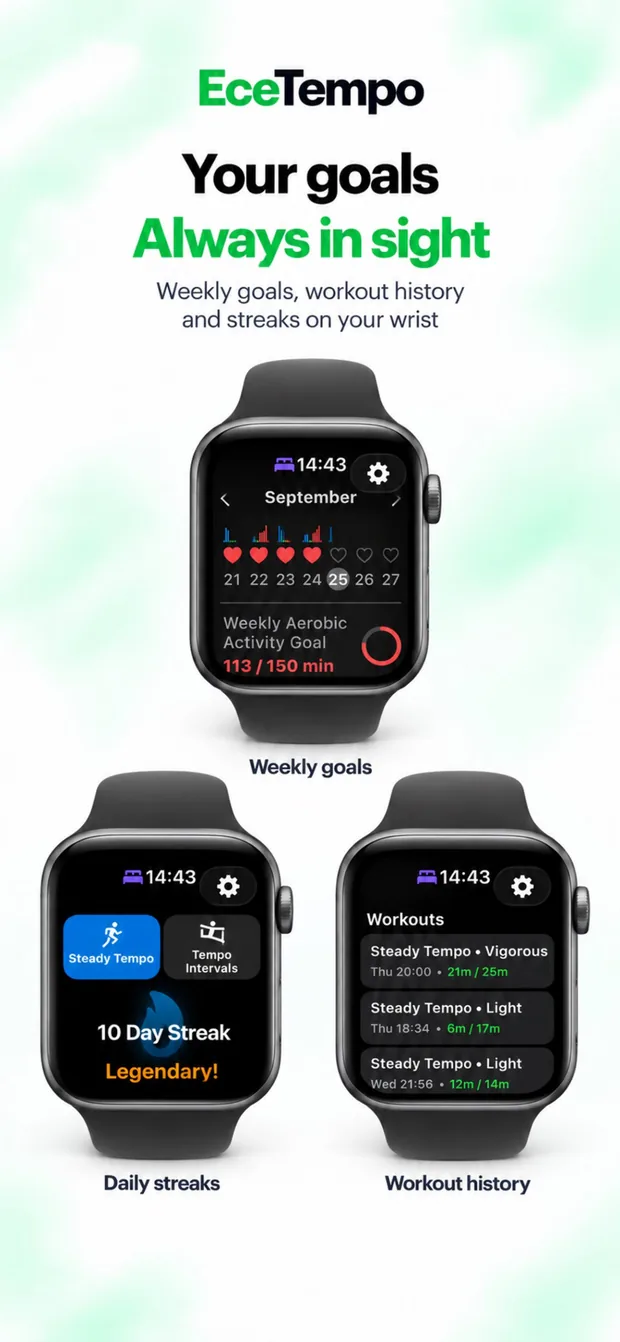
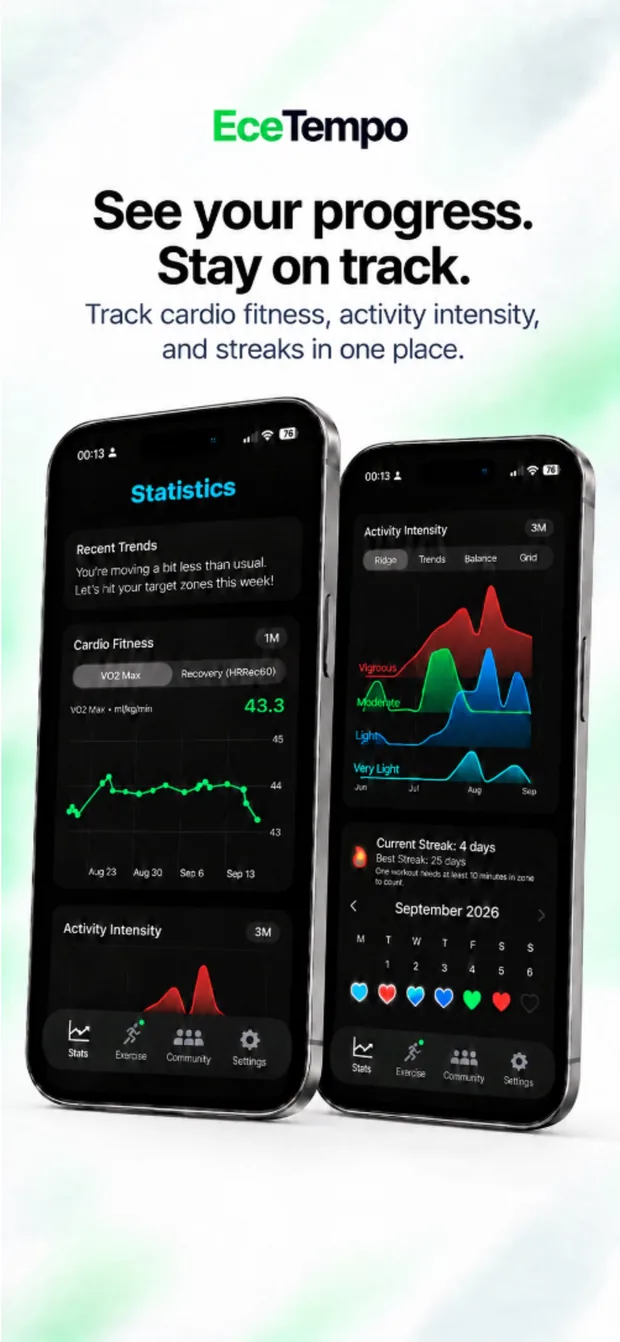
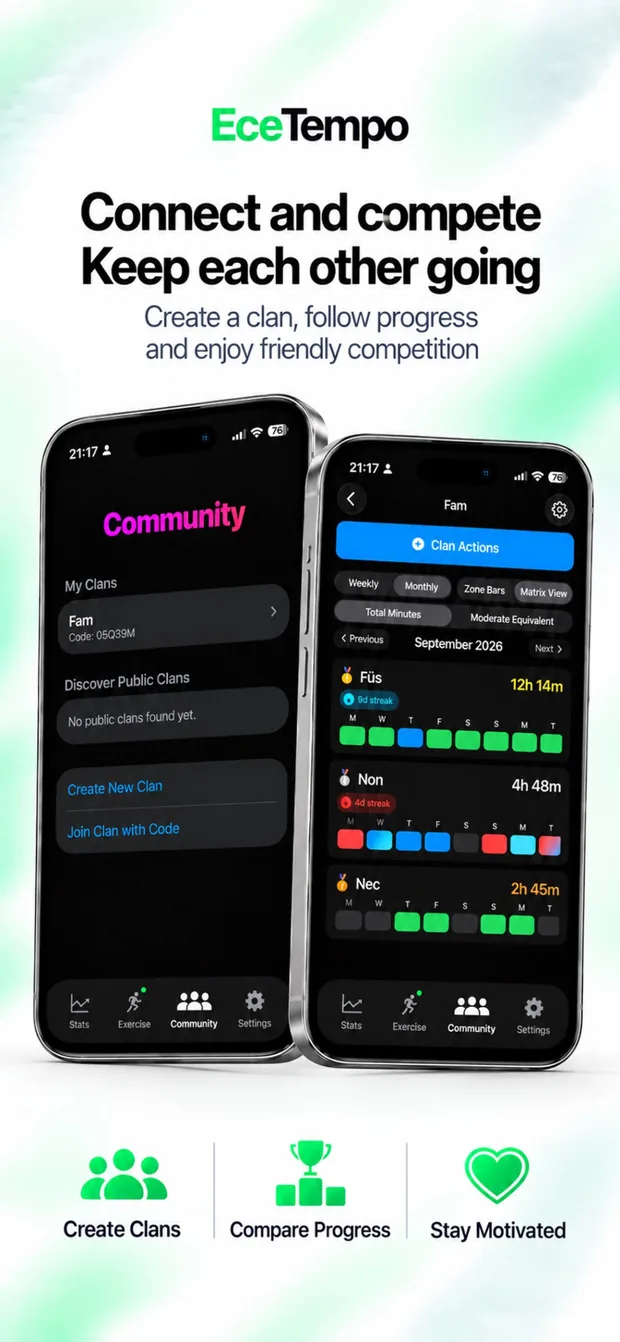
Set up your workout on iPhone or Apple Watch and start directly from your wrist. Use iPhone to review past sessions, statistics and community activity.

EceTempo

Understanding exercise intensity

How hard you exercise matters alongside how long you exercise. The same walking speed can produce different heart rates and levels of effort in different people. EceTempo helps you follow your personal target range during exercise.

Go to Exercise health →

150min / weekWHO: moderate aerobic activity for adults [1]

EceTempo

Live feedback during exercise

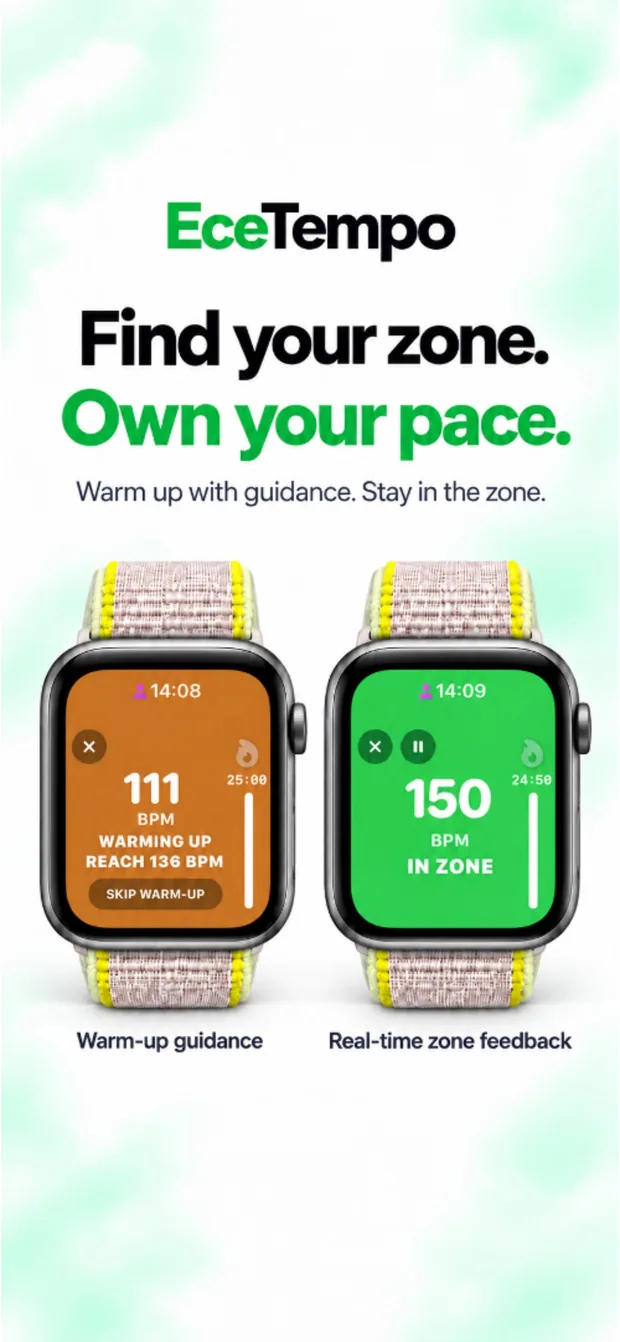
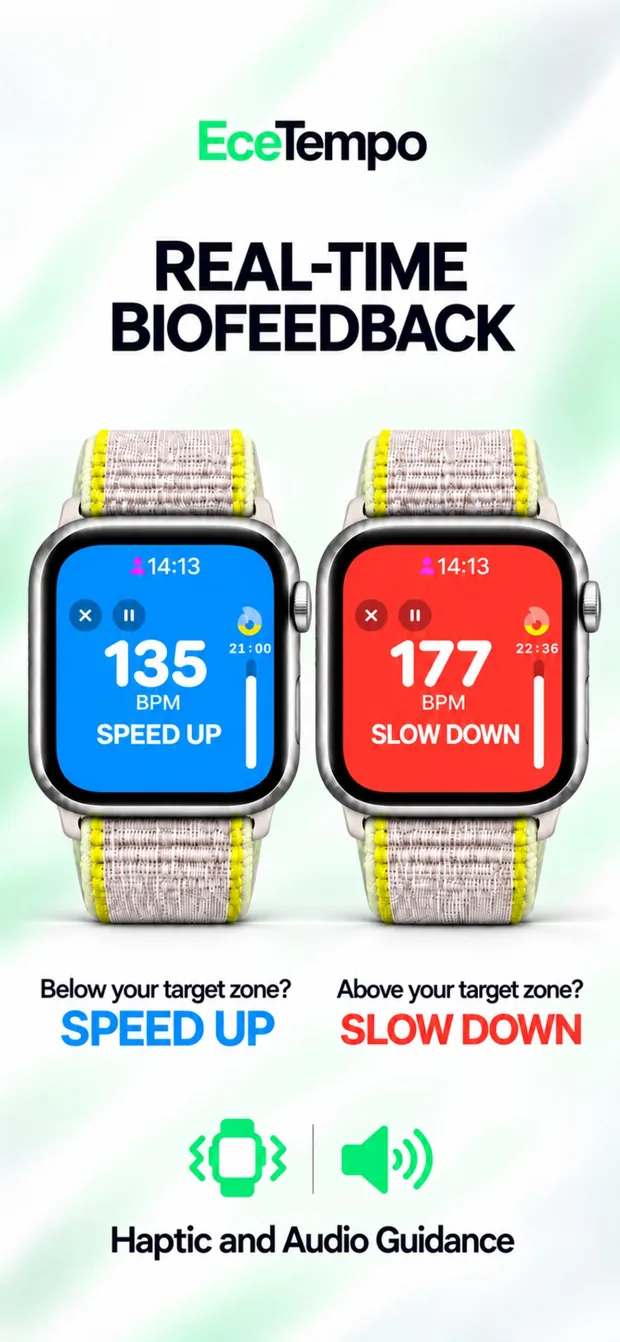
EceTempo compares the heart rate measured by Apple Watch with your selected target. When you move outside that range, haptic and audio alerts help you adjust your pace.

Below the target range
Within the target range
Above the target range

The cues reduce the need to keep checking the screen. When you see “Speed Up”, consider how you feel before increasing your effort. Slow down or stop if exercise feels unexpectedly demanding or you develop symptoms.

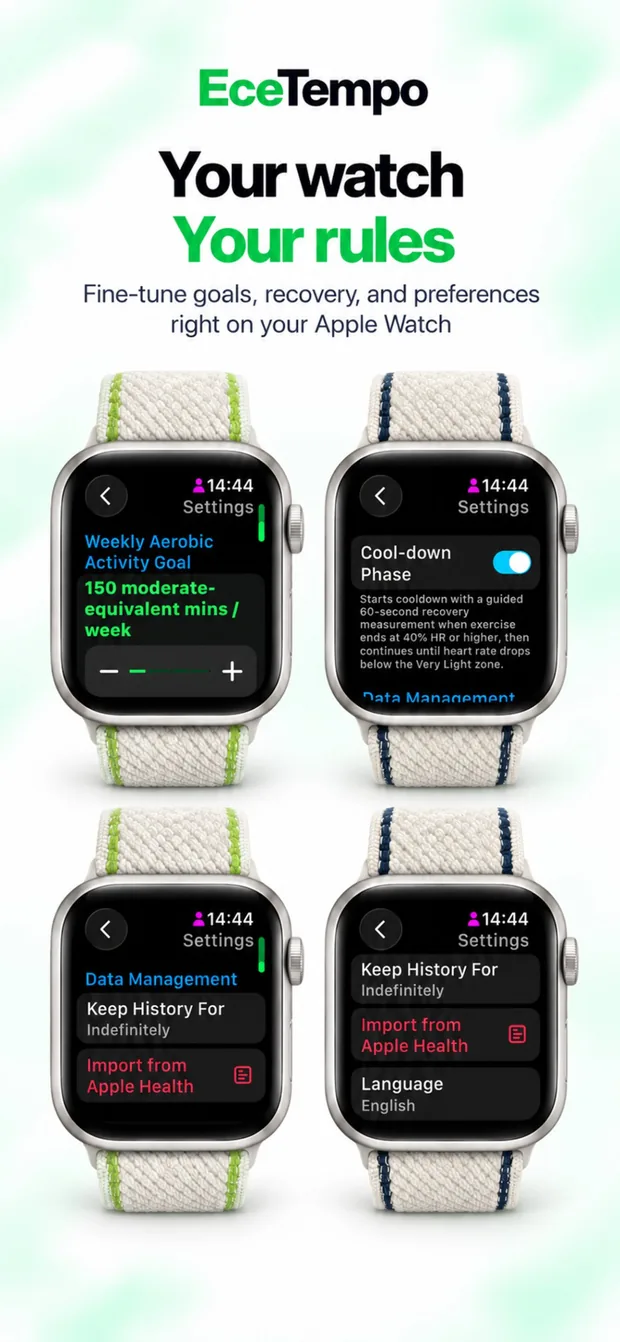
Pause and resume the session when needed, or use +10 MIN near the end of a timed workout to extend it. Consider your fatigue and plan before adding time. You can manage recovery and cool down options in your settings.

Warm-up guidance and in-zone screens on Apple WatchBlue Speed Up and red Slow Down screens on Apple Watch

From the app

iPhone and Apple Watch screens

From setup to a saved workout

  1. 1

    Enter your information.

    Check your age and resting heart rate. Enter a known resting heart rate value measured in the morning before getting out of bed or after resting for at least five minutes, using the blue button with the hand icon. Alternatively, use the red button to import your weekly average resting heart rate from Apple Health. For measurement conditions, see “How can I determine my resting heart rate?”

  2. 2

    Choose your tempo and duration.

    Select Steady Tempo or Tempo Intervals. Review the target heart rate range, duration and any plan stages before starting.

  3. 3

    Start on your watch.

    Tap START on Apple Watch. If you are preparing the session on iPhone, use START ON WATCH. Allow time to warm up and follow the cues during your workout.

  4. 4

    Rate your effort and save.

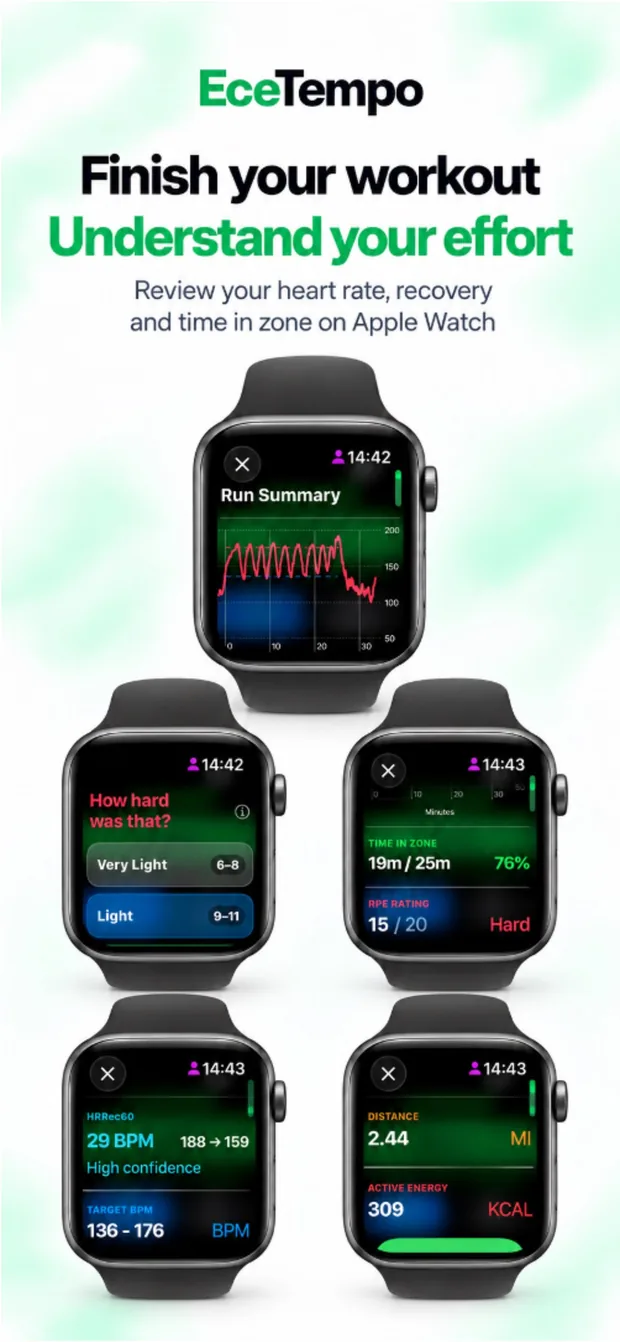
    Answer “How hard was that?” using the Borg 6–20 scale. Review the workout summary and use the save and close option to finish your record.

TestFlight beta

Get started with EceTempo

To try EceTempo through TestFlight, install TestFlight on your iPhone and open the participation link. Check the available build’s installation and compatibility details. Set up your personal information and targets, then start your first session on Apple Watch.

For questions and feedback: ardicf@gmail.com

QR code linking to the TestFlight invitation
Scan with your iPhone camera